Real-time chat inside GitHub.
RepoTalk injects real-time messaging directly into GitHub. No context switching. No extra tabs. Just chat where you actually work.
→ Add to Chrome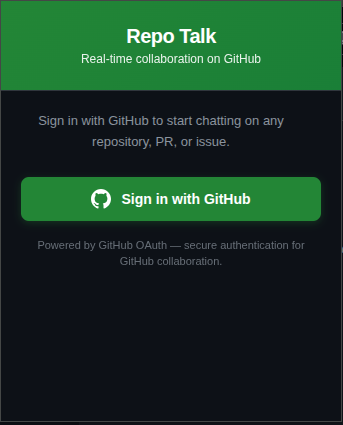
RepoTalk injects real-time messaging directly into GitHub. No context switching. No extra tabs. Just chat where you actually work.
→ Add to Chrome
Download and extract the .zip file into a dedicated folder on your computer.
Go to chrome://extensions, enable Developer Mode, click "Load unpacked" and Select the extracted folder containing your extension files
Click the RepoTalk icon, sign in with GitHub. The extension auto-connects to your local server.
Visit any GitHub repo, PR, or issue. The chat sidebar appears automatically. That's it.